
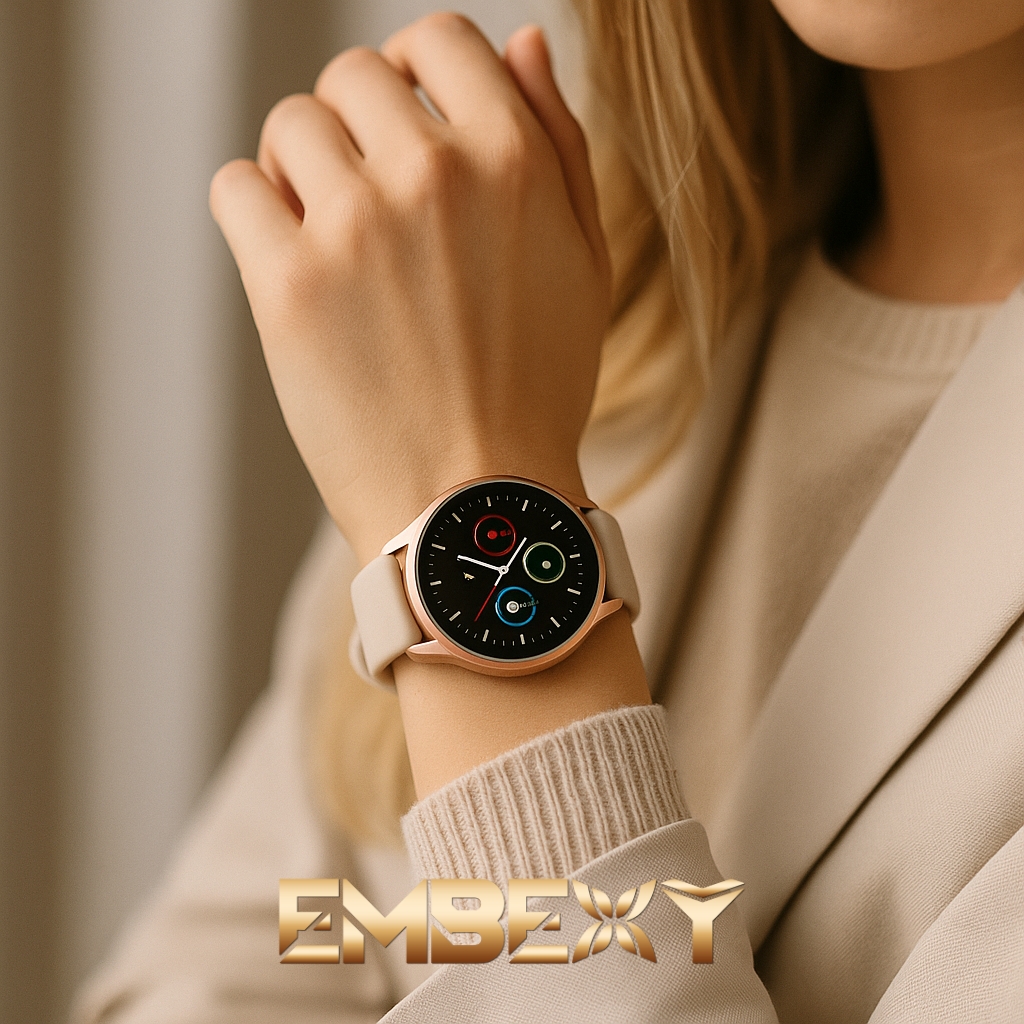
What you’ll find in this troubleshooting guide
- Immediate, actionable steps — for every common issue
- Organized by categories: SIM, Bluetooth, display, charging, notifications, location
- Short checklists — nothing gets overlooked
- EmBexy-level clarity — no unnecessary tech jargon
- Reassuring guidance — you’ll know exactly when a setting is enough, and when warranty is needed
Why this EmBexy guide is the best place to start
- Award-winning brand: EmBexy — Prestige Awards “E-commerce Brand of the Year 2025/26”
- Built on real customer questions
- Simple, clear, fast
- A reliable compass when you’re unsure whether it’s a setting or a service issue
ElFirst: 30-second quick fixes
Internet / APN
If there’s no internet, the watch can’t reach the server → calls, SOS, and tracking won’t work.
App → Settings → Device → Network/APN
APN values:
- Telekom:
internet - Yettel:
net - Vodafone:
internet.vodafone.net - One:
internet.netfon.hu
Notifications not working?
Enable app notifications
On Android: turn off battery saver
Still not working? → remove from Bluetooth list → re-pair via app
SOS or calling not workingdik
SIM must be active with balance
SOS numbers always in +36 format
Fast battery drain — possible causes
- Location updates too frequent
- Screen always on
- Firmware not updated
- No mobile data → constant network searching = rapid drain
SIM-based smartwatch issues
SIM not accepted
- SIM PIN must be disabled
- Insert SIM only when the watch is turned off
- Only 2G / 4G LTE compatible SIM works
- If not recognized: try another provider
- After inserting SIM: restart the watch and the app
No internet / APN error
- Mobile data must be active
- APN setup is required
- After setting APN: restart watch and app
Cannot call / SOS not working
- Active SIM with balance
- SOS numbers in +36 format
- Disable “block unknown numbers”
No location data
- Check mobile data and APN
- Leave the watch outside for 2–3 minutes → GPS stabilizes
- Check timezone and app location settings
Bluetooth smartwatch issues
No notifications
- Enable app notifications
- Android: remove from battery optimization
- iPhone: enable background app refresh
- Remove from Bluetooth list + re-pair
- Restart both devices
Pairing fails
- Always pair through the app
- Remove device from Bluetooth list
- Keep the watch close
- If unstable: re-pair
No call alerts
- Enable call notifications in the app
- iPhone: Bluetooth → device → allow call notifications
- Check if sleep mode is on
General issues
Screen not responding
- Restart with long press
- If not fixed: factory reset
- Check brightness
- Update firmware
Battery drains quickly
- Set location refresh to 10–15 minutes
- Turn off always-on display
- Update app and firmware
- Reset and fully charge
- Battery calibration: full drain → charge to 100% once
Watch not charging
- Clean charging contacts
- Never charge when wet
- After full discharge: charge for at least 30 minutes
- If overheating: remove immediately
Reset & factory reset
Reset is recommended after freezing, Bluetooth issues or SIM change
After reset: log out and back into the app
For Bluetooth issues: reset → re-pair
If the issue persists after these steps, observing the watch’s behavior will help speed up service diagnostics.